Keep the details that matter
Preserve fine edges around hair, glass, logos, and lettering. Review your cutout against a new background to check the small details.

Apps / Background Remover
Use Ideogram’s AI background remover online to turn your image into a transparent PNG. Ideogram preserves fine edges on product photos, logos, typography, hair, glass, and intricate cutouts.
Step 1
Start with a product photo, portrait, logo, illustration, or graphic that needs a transparent background.
Step 2
Ideogram’s background removal tool separates the subject from the scene and preserves fine details like soft edges, type strokes, hair, and glass.
Step 3
Export a transparent PNG ready for marketplaces, catalogs, ads, design mockups, and creative tools.
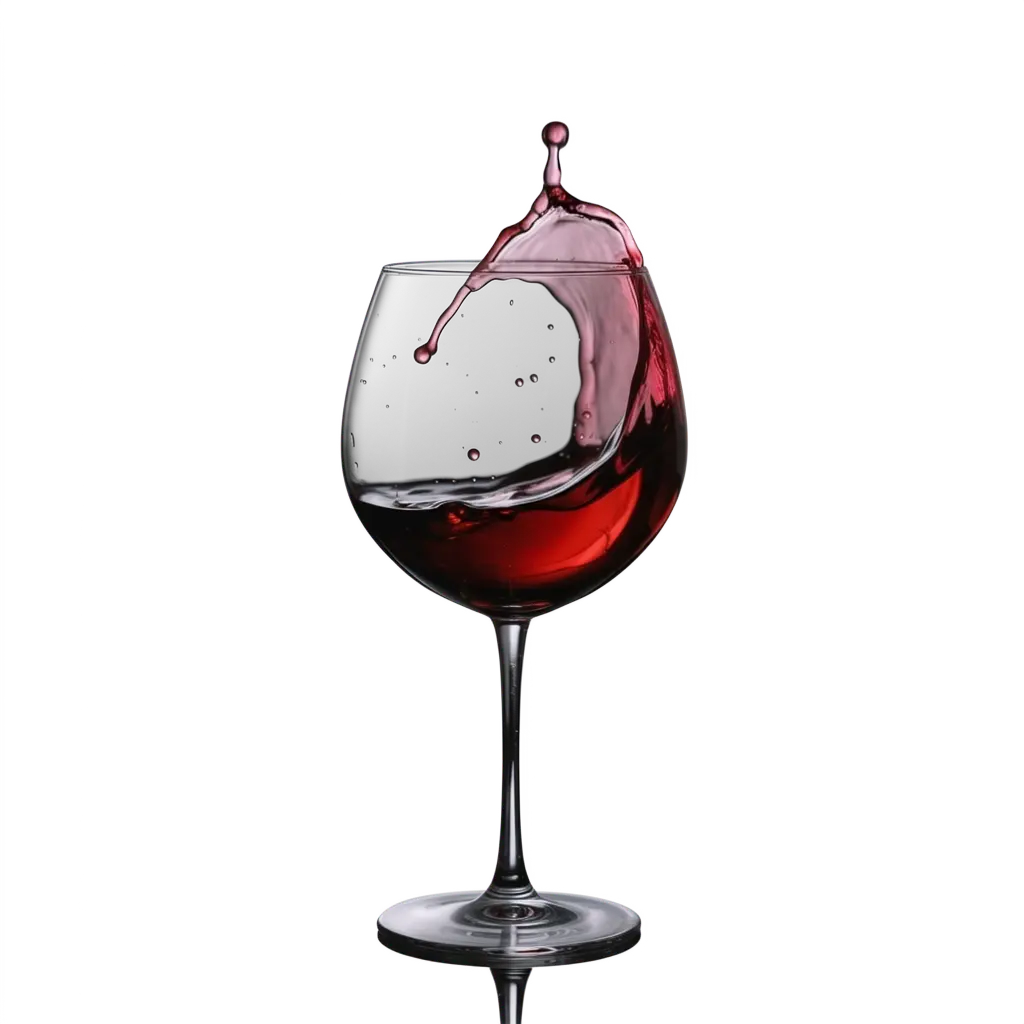
Ideogram focuses on clean edges around logos, typography, product silhouettes, hair, fur, and glass. Download your cutout as a transparent PNG to place it over a new background, color, or layout.
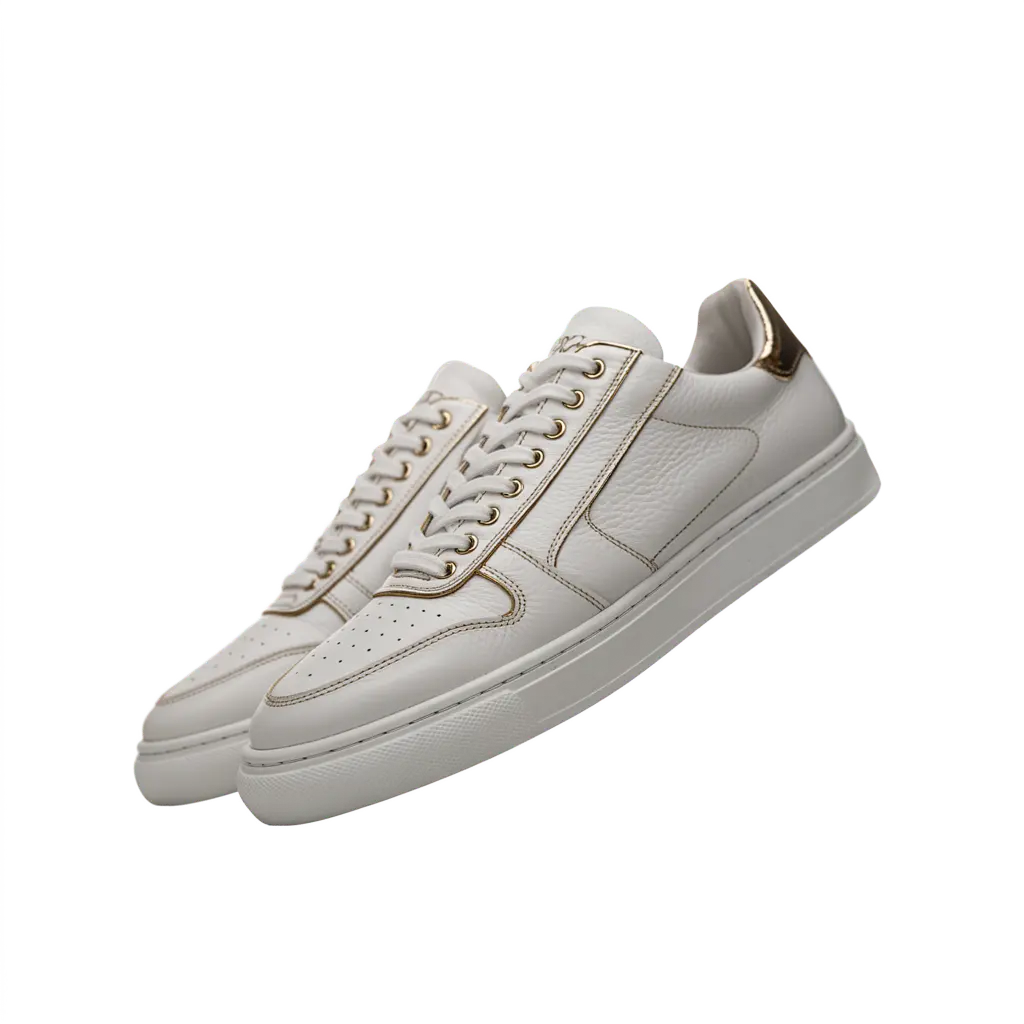
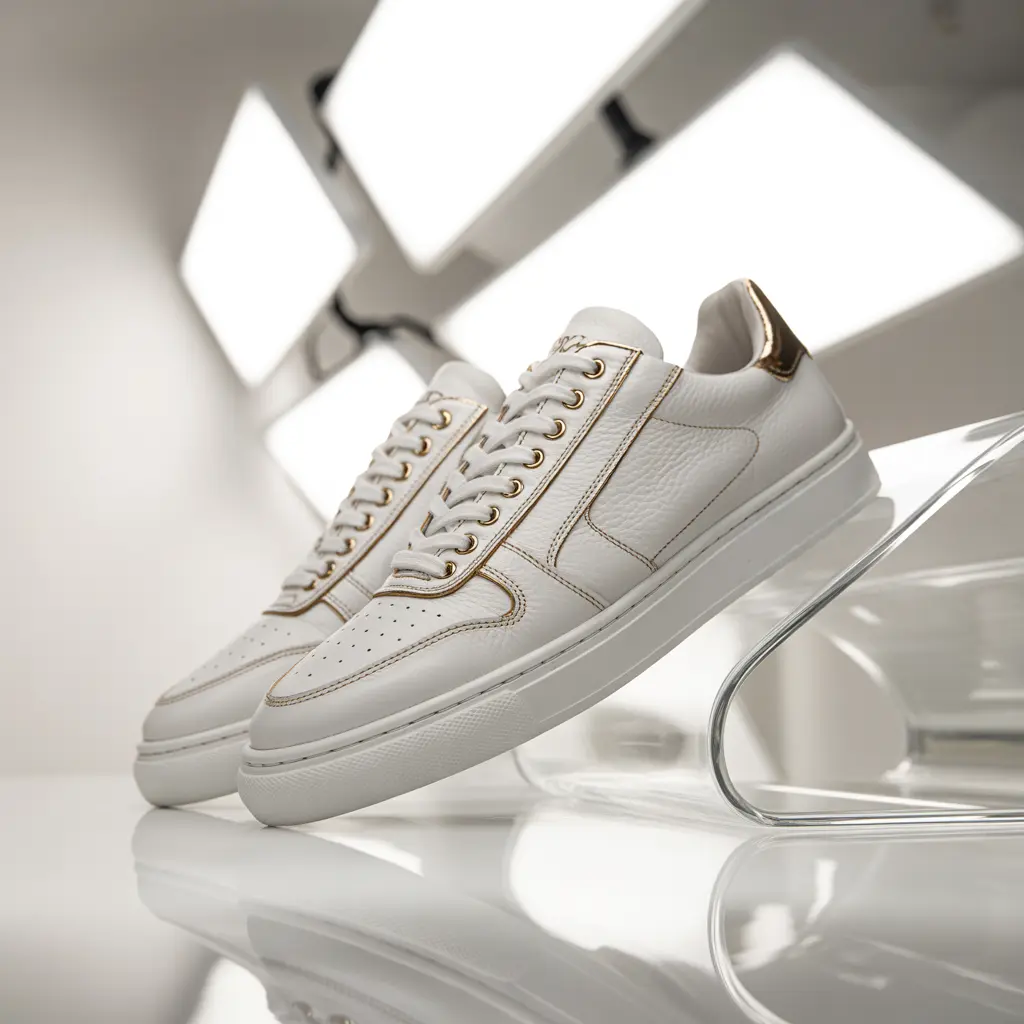
Use Ideogram's free photo background remover to remove distracting studio, tabletop, and lifestyle backgrounds. Create product cutouts for online store listings, catalogs, marketplace pages, and ads.
Reuse your transparent PNGs in launch pages, promotional banners, and social media posts. Teams can edit individual images in the app or connect larger workflows through the API.

Ideogram handles the fine strokes and spaces within lettering, logos, badges, and illustrations. Remove the surrounding background to reuse the graphic on new colors and layouts, from posters and flyers to presentations and design mockups.
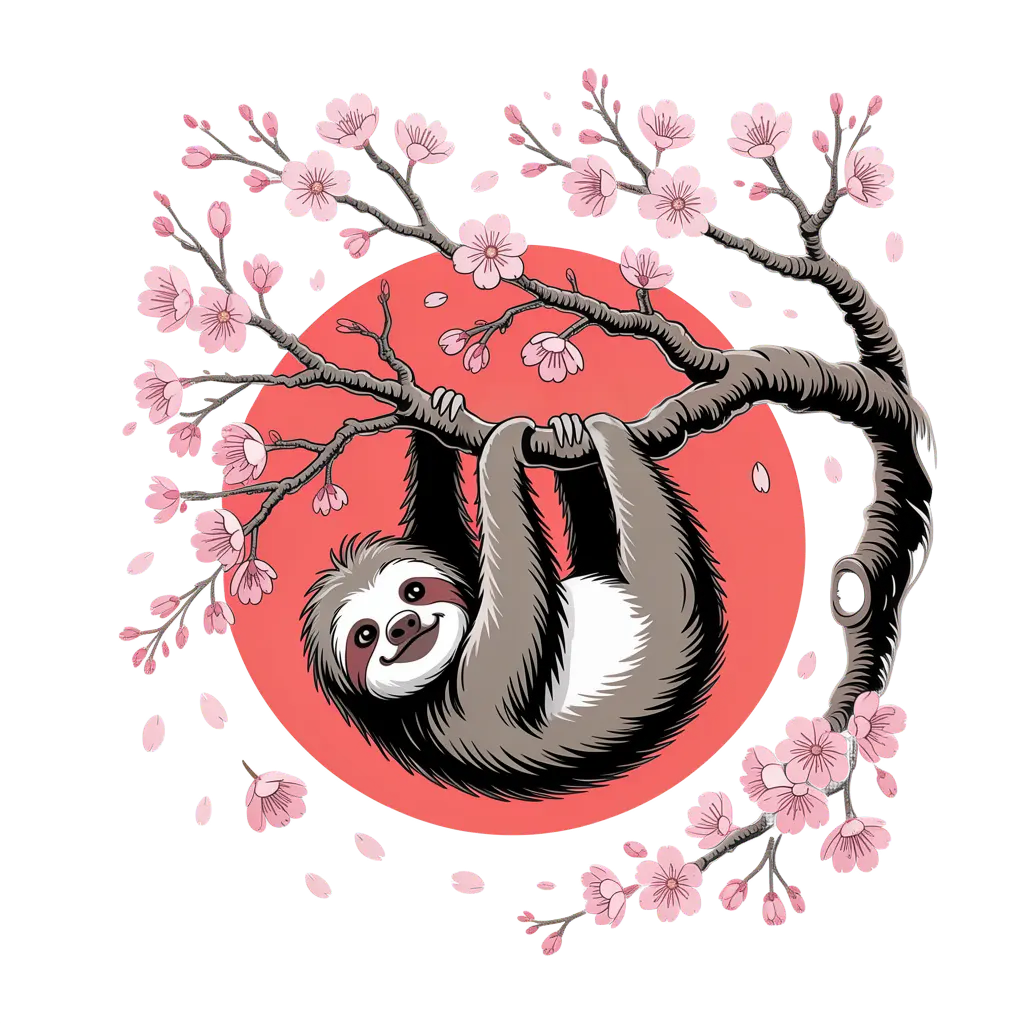
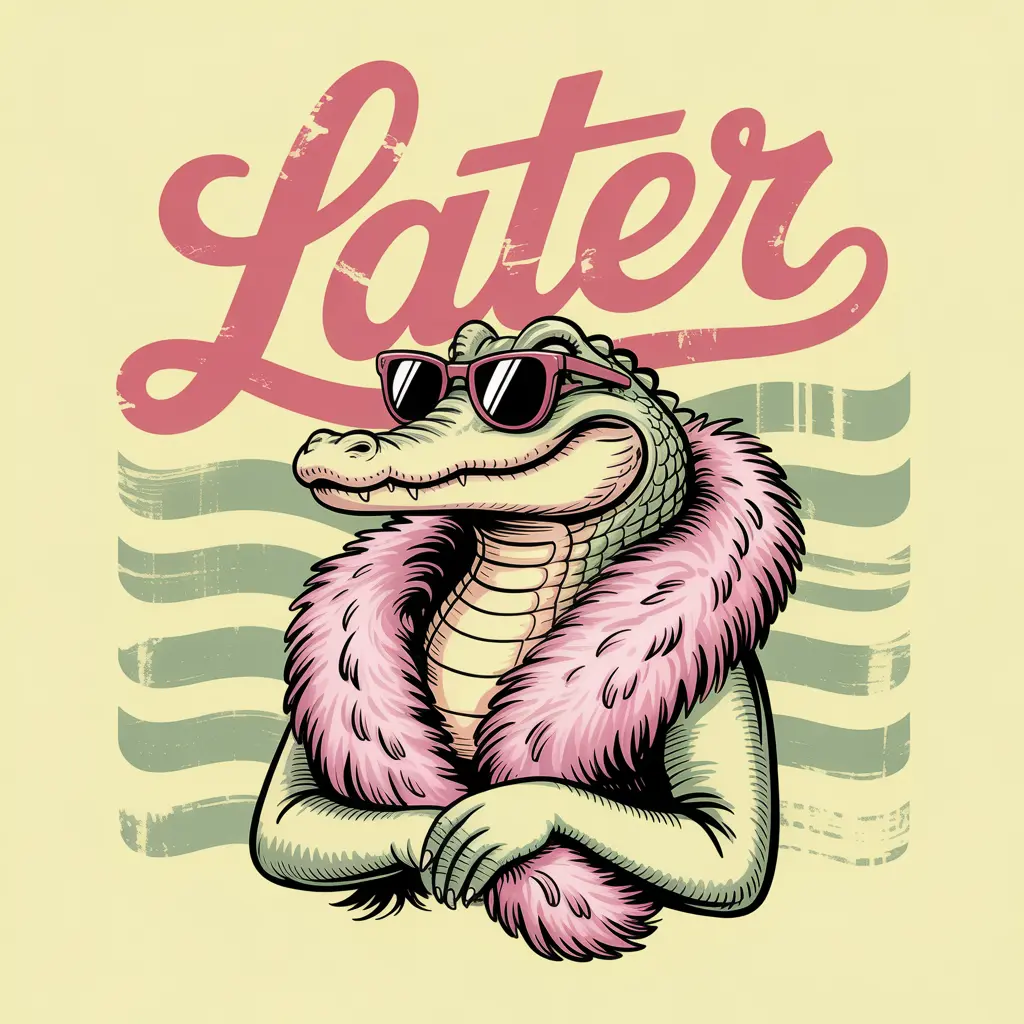
Remove backgrounds from artwork to create transparent designs for shirts, stickers, and merchandise mockups. Try the cutout on different product colors and check the fine outlines before choosing a layout.
Check the image dimensions and your printer’s requirements before sending the design to print.
Isolate a person from a busy scene to prepare a profile picture, headshot layout, or creator graphic. Use the cutout in a YouTube thumbnail or social post, with space around the subject for text.
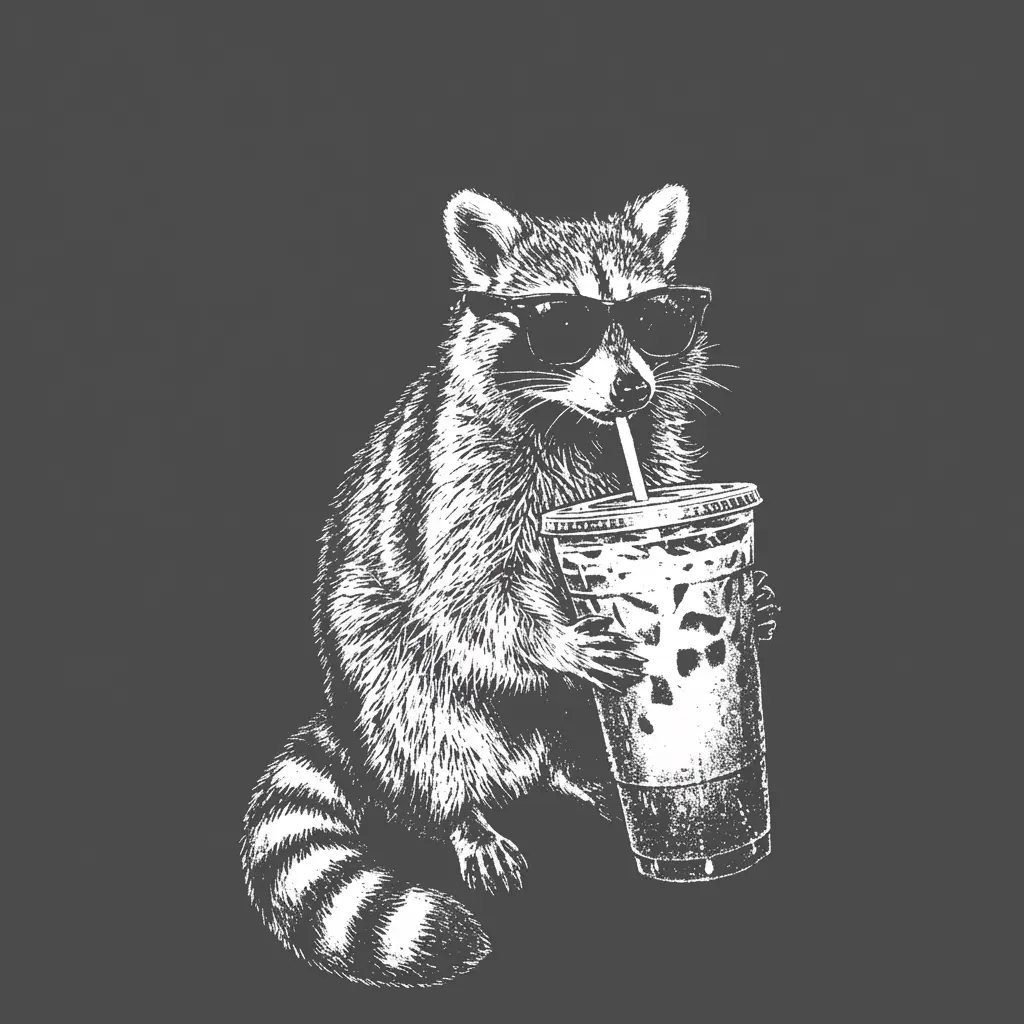
For portraits, check the hair and clothing edges in the preview. A clear source photo makes those details easier to review. You can also isolate pets for custom cards and social posts.
A transparent PNG gives you a subject you can reuse. Place it over a white background for a simple product layout, a brand color for a campaign graphic, or another photo for a new composition.
In Ideogram Studio, add your background image first, then place the cutout above it as another layer. Adjust the size and position before exporting. Add text and arrange cutouts with other images to create a collage, poster, or presentation.
Preserve fine edges around hair, glass, logos, and lettering. Review your cutout against a new background to check the small details.
Download a transparent PNG for product listings, campaign graphics, and social posts. Reuse the same subject across different layouts.
Separate lettering and illustrations from their backgrounds for posters, stickers, and merchandise mockups. Check dimensions before printing.
Compare cutouts of product photos, portraits, lettering, and illustrations. Use an isolated subject in a profile picture, YouTube thumbnail, social post, or collage.
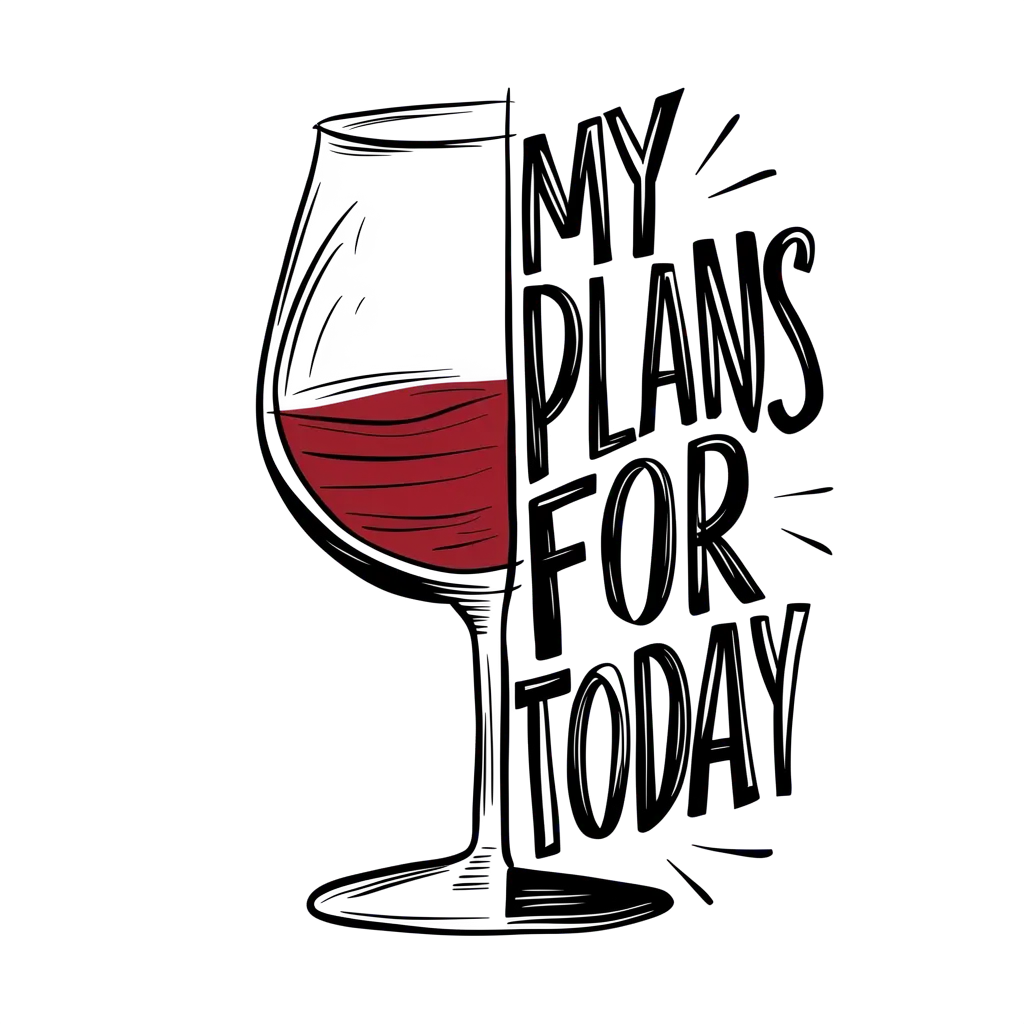






Connect background removal to your application or production workflow. Send an image to /v1/remove-background and receive a URL for the transparent PNG.
Use the API for product catalogs, marketplace listings, and creative tools. See the API documentation for implementation details and API pricing for usage costs.
Get API Key curl -X POST https://ideogram.adawatools.com/__api__/v1/remove-background \
-H 'Api-Key: YOUR_API_KEY' \
-F '[email protected]'